
Data sources
Production data on its own answers “how many defects”. Joined to your business data it answers “which customer is losing us money”. Data sources are how the second question becomes possible.
Connected databases
Section titled “Connected databases”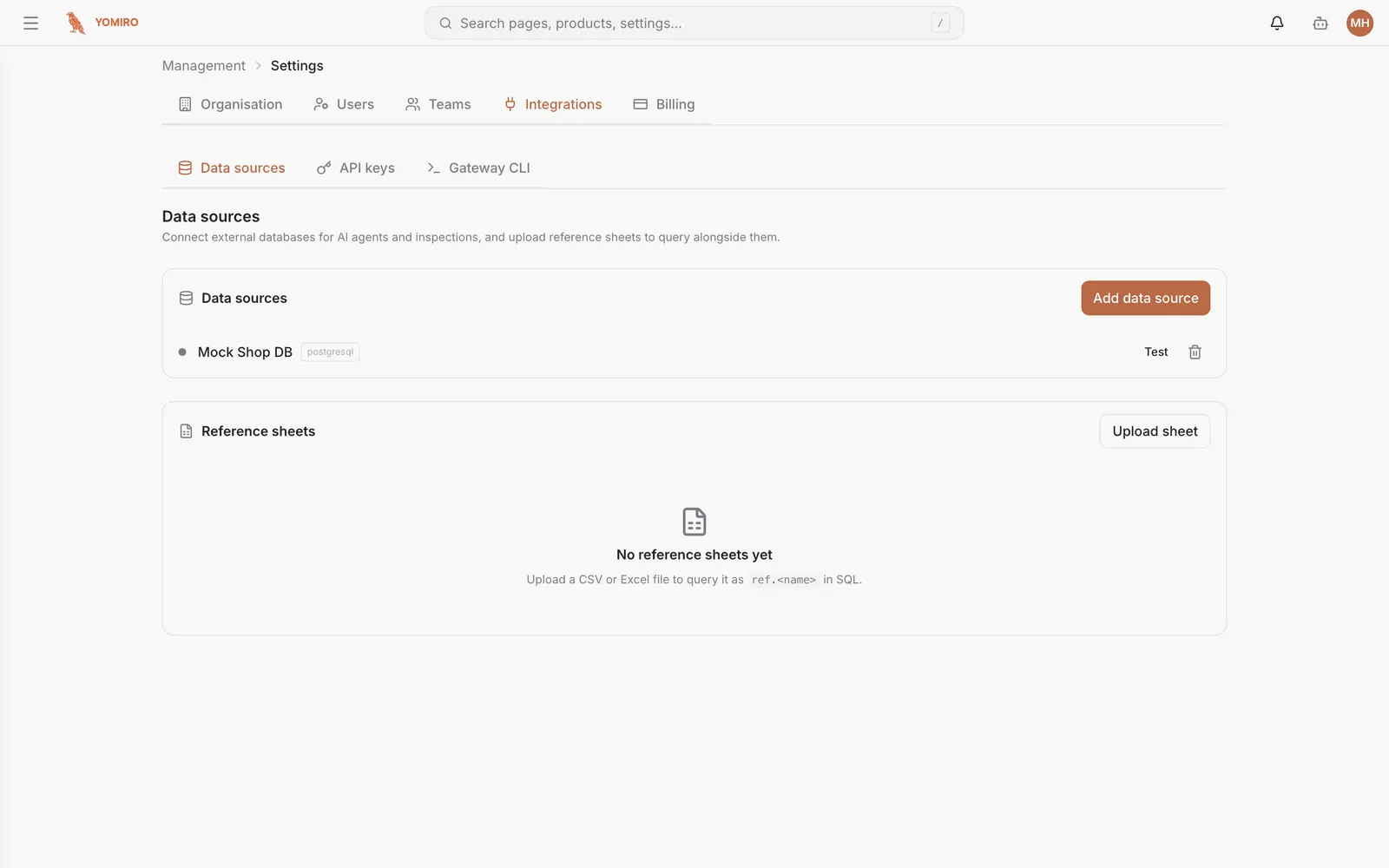
Connect an external database — ERP, timesheets, quotations — and it becomes queryable from Explore and available to agents.
Databases inside your own network do not need to be exposed to the internet. A gateway running on your side opens an outbound connection, and queries travel back down it. Nothing needs an inbound firewall rule.
Access is read-only and audited. The platform reads what it is pointed at; it does not write into your systems.
Reference sheets
Section titled “Reference sheets”Not everything worth joining lives in a database. Reference sheets let you upload a CSV or Excel file and use it the same way — tolerance tables, part cross-references, customer mappings, the spreadsheet someone maintains by hand.
Each sheet gets its own detail page, and sheets are versioned, so an inspection that used last quarter’s tolerances can still be explained.
What they are for
Section titled “What they are for”Once connected, a data source is available to:
- Explore — query it directly, join it to production data
- Monitoring — build widgets on it
- Agents — answer questions that span both worlds
- Inspections — reference data that decides what passes
Related
Section titled “Related”- Gateway & integrations — reaching databases inside your network
- CLI › data-source, ref-sheet