
Agents
Agents are the part of Yomiro that does work with you rather than waiting to be driven. They can answer questions about the page you are on, build dashboards and alerts, query your data, and run recurring work on a schedule.
The chat panel
Section titled “The chat panel”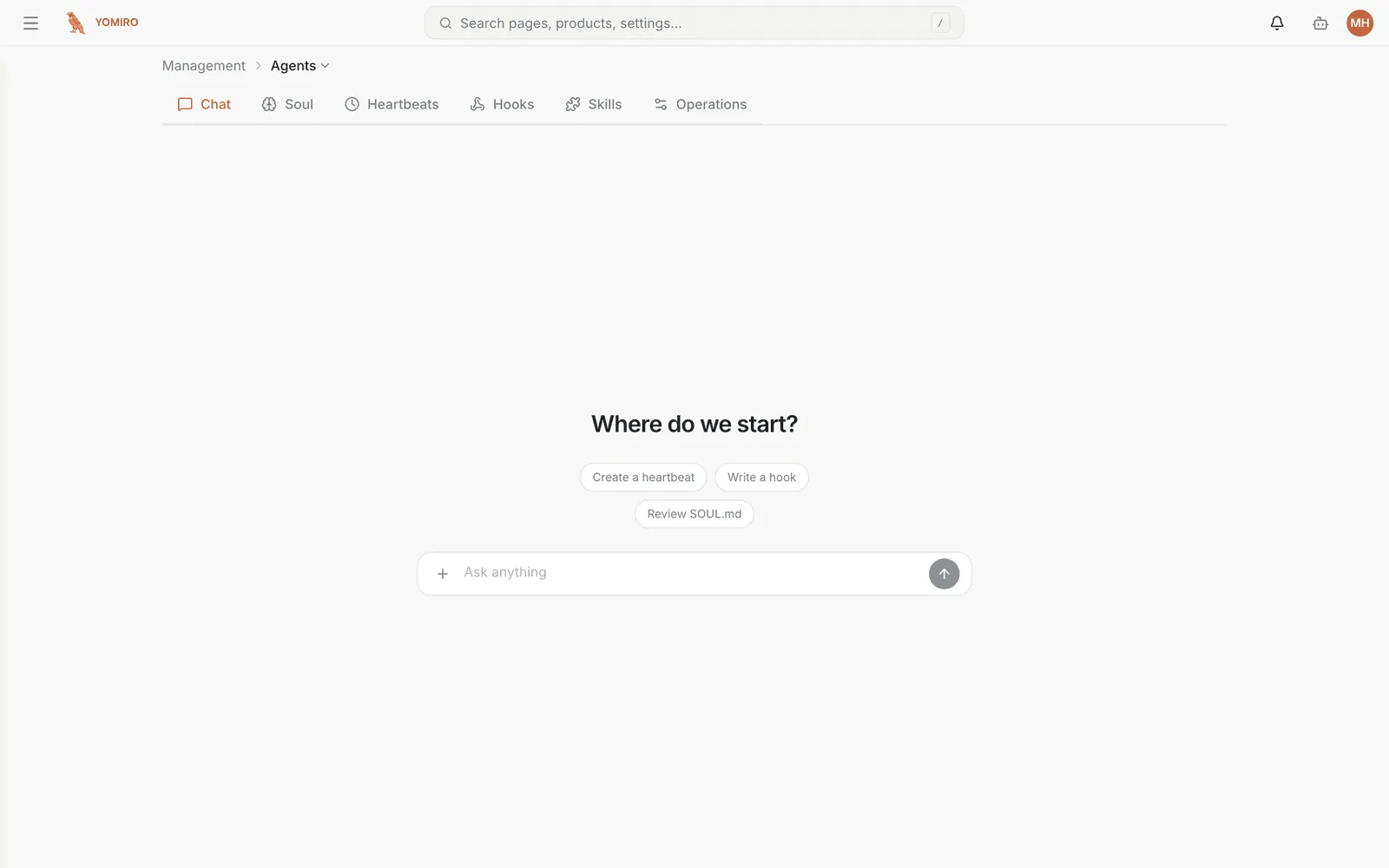
Available throughout the app, not just on this page. Open it from the top bar.
The panel knows which page you are looking at and what is selected on it — the device group, the profile, the active tab. That context is why “why is this one flagged?” works without you spelling out what “this one” is.
Agents can also act, not just answer. When an agent proposes a change to a field, it appears as a pending value for you to accept — the agent does not silently reconfigure things behind you.
Creating an agent
Section titled “Creating an agent”The agents list shows every agent in your tenant. Creating one asks for a name and a model.
Model choice is yours. Yomiro is bring-your-own-model: you select the provider and model an agent runs on, and provider credentials are configured at the organization level. No behaviour is locked to a single vendor.
What makes up an agent
Section titled “What makes up an agent”Each agent has its own configuration surface:
The agent’s standing instructions — who it is, what it should care about, the house rules it always follows, the tone it uses. This is the document that makes an agent feel like your organization’s assistant rather than a generic one.
New agents start from a sensible default you can edit.
Skills
Section titled “Skills”Reusable procedures the agent can call on. A skill packages “how we do this here” — the steps for onboarding a line, the checks that make up a shift handover — so the agent performs it the same way every time instead of improvising.
Automatic reactions to platform events. Where a heartbeat task is time-driven, a hook is event-driven: something happens, the agent responds.
Heartbeat tasks
Section titled “Heartbeat tasks”Scheduled work. The agent runs on a cadence you set and produces something — the morning briefing on last night’s production is the canonical example.
This is the difference between an assistant you have to remember to ask and one that shows up.
Workspace files
Section titled “Workspace files”Agents have a working directory you can browse and edit. Reference material, notes and outputs live here, and you can see exactly what the agent is working from.
Tests for the agent. Define what a good answer looks like and check the agent against it, so you can change a soul or a skill and know whether you improved things or broke them.
Agents are non-deterministic; evals are how you keep them honest.
Run history
Section titled “Run history”What the agent actually did — each run, its inputs, and its output. When an agent produces something surprising, this is where you find out why.
Related
Section titled “Related”- Organization — where provider credentials are set
- Explore — agents query the same data sources you do
- CLI › agent — author agent configs from a script