
Alerts
Alerts turn “someone should check that” into “you will be told”. The page has two halves: the rules you have written, and what is firing because of them.
Alert rules
Section titled “Alert rules”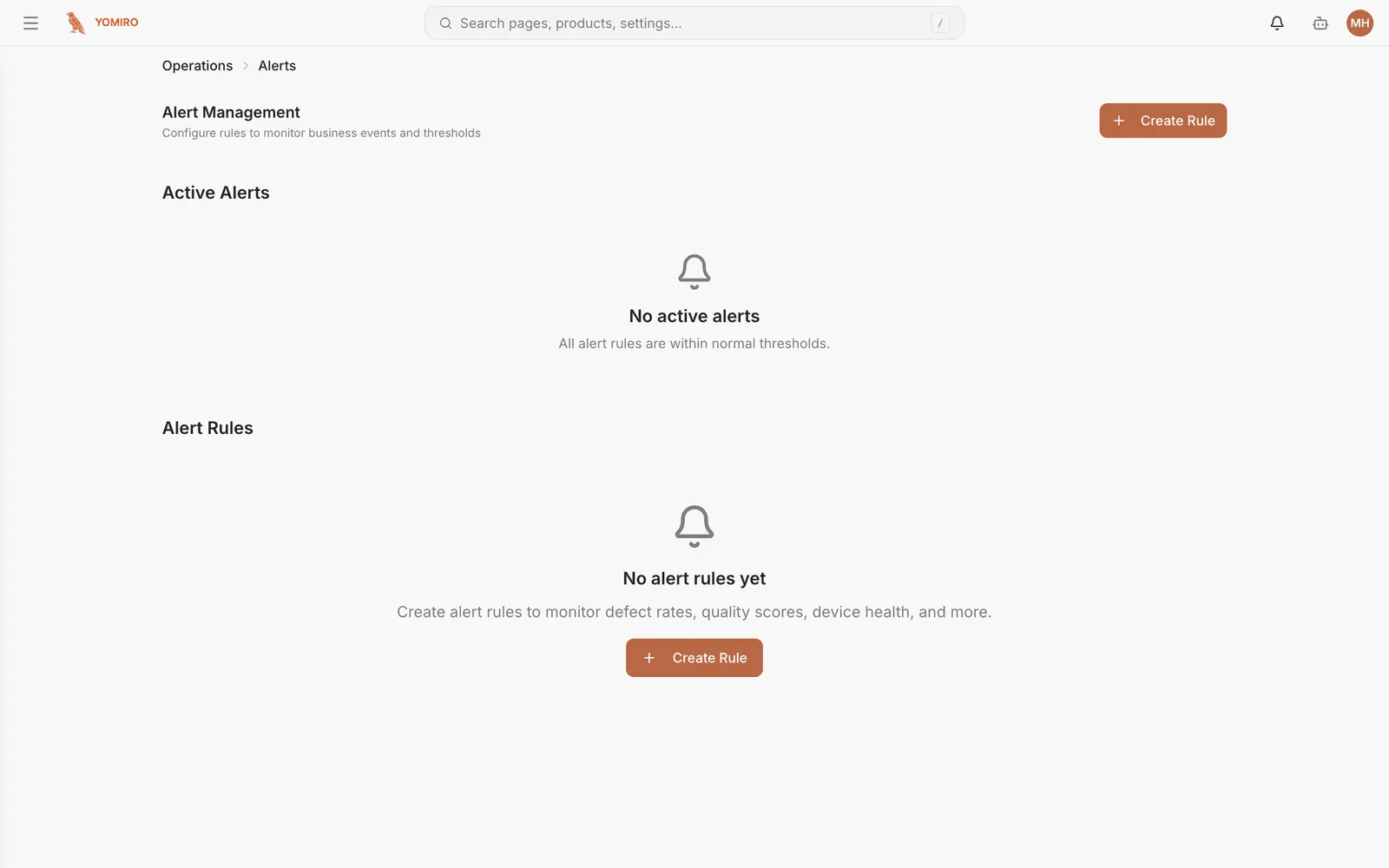
Create Rule opens the form. A rule is a SQL condition, an operator and a threshold, checked on a schedule you set:
| Field | Meaning |
|---|---|
| Rule Name | What an operator reads when it fires |
| Condition SQL | The query that produces the number to test |
| Operator / Threshold | How the result is compared, and against what |
| Severity | Info, Warning or Critical |
| Evaluation Interval | How often to check, in seconds. Defaults to 300 |
Rules are evaluated continuously in the background — nobody needs a browser open. They can be disabled without deleting them, which is what you want during planned maintenance.
Each rule carries a severity:
| Severity | Use for |
|---|---|
| Critical | Stop-the-line conditions — wake someone up |
| Warning | Degradation worth attention this shift |
| Info | Worth recording, not worth interrupting anyone |
Rules can be enabled and disabled without deleting them, which is what you want during planned maintenance.
Active alerts
Section titled “Active alerts”The other half of the page lists what is currently firing. An empty list here is the good outcome.
Acknowledging an alert marks it as seen. For anything that needs actual work, escalate to an incident — alerts tell you something is wrong, incidents track what you did about it.
Writing good rules
Section titled “Writing good rules”Two failure modes, and both end the same way:
- Too sensitive and the alert becomes noise people mute
- Too loose and it fires after the damage is done
Use Explore to look at the metric’s actual distribution before choosing a threshold. Picking a round number without looking is how alerts end up ignored.
Letting an agent write them
Section titled “Letting an agent write them”Agents can create and refine alert rules. If you can describe the condition you care about, an agent can turn it into a rule — and, given the history, suggest a threshold that would not have cried wolf.
Related
Section titled “Related”- Incidents — tracking the response
- Monitoring — for things you watch rather than get pushed
- CLI › alert — create, enable and acknowledge from a script